
Hotel and Airport Self Check-In Kiosk Requirements: Specifying Identity, Bag-Tag and Payment Modules
A hotel self check-in kiosk requires a touchscreen, passport or ID scanner, RFID key card dispenser and encoder, thermal receipt printer, industrial mini PC, and a payment device connected to the property management system, per [3]. Airport terminals substitute airline departure control integration, barcode scanners, and bag-tag or boarding-pass printers. Meeting hotel and airport self check-in kiosk requirements means documenting one spec line per module before any scoping call.
What a Self Check-In Kiosk Has to Do Before You Specify Any Hardware
The hardware follows the task list, not the other way around. A check-in kiosk has to identify the person, retrieve or create the booking, take payment if owed, issue an entitlement, log the transaction, and hand off to staff when something fails. Write that sequence down first; every module you buy exists to serve one of those six jobs.
Use this as a checklist you can mark up in a requirements meeting:
- Identify the person — document reader plus camera, mandatory for any regulated check-in flow.
- Retrieve or create the booking — booking reference lookup or booking creation on the fly.
- Take payment if owed — card always; cash only if the deployment justifies it.
- Issue an entitlement — key card, boarding pass, or bag tag, printed or encoded on site.
- Log the transaction — audit trail for check-in, payment and document capture.
- Hand off if something fails — staff override path, not an error screen.
For hotel and airport self check-in kiosk requirements, items one through four drive the bill of materials. Items five and six drive the software and service contract and get forgotten most often. Screen sizes, module combinations and operating system choices vary by deployment and by country regulation, so treat any single configuration as an example rather than the standard.
Requirements Template: One Spec Line Per Module
The check-in kiosk modules specification table below is deliberately module-agnostic, so the same lines work for the hotel lobby case and the airport common-use case. Copy it into your requirements document and fill in the right-hand columns.
| Module | Decision to document | Question to ask the supplier | Consequence if underspecified |
|---|---|---|---|
| ID/passport and ID document reader | Which document types must be read | Which passports and national IDs are supported | Manual fallback every time a document fails |
| Barcode/boarding pass scanner | 1D, 2D, or both | Read rate on phone screens | Passengers retype references, throughput drops |
| EMV/NFC contactless card reader with PIN entry | Card-only or card-plus-PIN | PIN pad type and EMV certification scope | Payment flow fails at the last step |
| Camera for face capture or comparison | Capture, compare, or store | Which matching library and retention policy | Identity step fails the country’s rules |
| Bag tag and boarding pass printer | Stock type and print volume | Duty cycle and stock part numbers | Printer becomes the bottleneck |
| RFID key card dispenser and encoder | Card technology | Motorised dispensing and anti-jam design | Guest queue at the front desk |
| Thermal receipt printer | 58 mm or 80 mm roll | Autocutter included | Guests leave without a transaction record |
| Cash acceptor/recycler | Accept cash at all | Recycling, coin handling, jam rate | Enclosure and service path change later |
| Industrial mini PC controller | Port count and OS | Peripheral driver availability | A module silently drops off the bus |
| Touchscreen and enclosure | Screen size and material | Accessibility and anti-vandal options | Retrofit cost after deployment |
The one primary keyword worth echoing here is simple: each row is a requirement you hand to a supplier, not a feature you tick.
Identity and Document Verification: The Requirement That Cannot Be Improvised
A check-in kiosk verifies identity in two separate steps: it reads the document with a passport or ID reader using optical character recognition, then confirms the holder is the person named in it, typically with a camera capturing a face image for comparison or storage. These are separate spec lines because they fail for different reasons and carry different retention obligations.
Module choice is not universal. [5] notes that the module components vary depending on the use case and on regulations such as US TSA rules or the EU Entry/Exit System in different countries and airports. Work from the rule that applies to your deployment country, not from a reference configuration that may have been designed for another jurisdiction.
Require four things from the supplier in writing:
- Supported document types — passports, national ID cards, and whether the reader handles them without a cover.
- Reader interface — USB or serial, and whether drivers exist for your chosen OS.
- Retained-data policy — what the kiosk stores locally, what it transmits, and for how long.
- Regulatory confirmation — whether the supplier states that the module meets the rules of the specific deployment country, and on what basis.
Payment Modules: The Cash Decision Is the Complexity Driver
Yes — check-in kiosks can accept cash as well as cards, but card-first is the common architecture and cash is an optional module that changes the enclosure, the service model and the certification path. Airport self-service is increasingly adding contactless payment alongside card acceptance, and most hotel kiosk deployments run card-only.
The card path itself is well defined. You are specifying an EMV and NFC contactless reader, PIN entry where the scheme requires it, and a payment path that satisfies PCI DSS and EMV requirements. [6] lists PCI DSS, EMV, CE, FCC and UL as the certification families a professional payment terminal kiosk should comply with — confirm which are held for your specific model and module combination rather than the product family.
Use the cash-handling and cashless payment kiosks question as a documented decision. Cash acceptance is justified when:
- Card penetration in the market is genuinely low.
- Walk-up leisure traffic is high and guests arrive without cards.
- The operator has committed to serving guests who pay in cash.
It is not justified when the only argument is “some guests might want it.” The burden is real: note and coin acceptors with recycling, higher jam and service exposure, cash reconciliation and security handling, and additional certification and service-path complexity. LKS lists cash payment as optional on its check-in kiosks, with coin counterfeit detection as a supplied capability — a fair summary of how this module is bought, as an add-on rather than a default ([4]). Record the cash decision in the requirements document before the first scoping call; retrofitting it later changes the enclosure and the service model.
Printing and Entitlement Modules: Bag Tags, Boarding Passes and Key Cards
Airport: bag tag and boarding pass printing
Yes — airport check-in kiosks print bag tags and boarding passes, and the printer is usually the module that determines peak throughput. Place the printer and the identification module so both stay passenger-accessible while the printer body remains serviceable for technicians. [1] describes developing airport kiosk hardware around the peripherals, accessibility requirements and long-term service needs of each project, which is the right order: decide service access at the design stage, not after the enclosure is built.
Hotel: key card dispensers and the receipt printer
On the hotel side, the specification point is the RFID key card dispenser and encoder. Ask for motorised dispensing and an anti-jam design, because a dispenser that jams mid-check-in defeats the entire project. Pair it with a thermal receipt printer for the transaction record, and decide roll width and whether an autocutter is included. [2] groups PMS integration, payments, ID scanning, key encoding and accessible designs as one requirement set, which matches how these modules are actually bought.
Controller, Operating System and Integration: PMS Versus Airline DCS and CUSS
The integration target is the single largest difference between the hotel build and the airport build. A hotel kiosk talks to a property management system. An airport kiosk in a common-use environment talks to the airline’s departure control system and follows IATA Common Use Self Service (CUSS) standards so multiple airlines can share the same terminal hardware.
According to Aratek, airport self-service kiosks — unlike hotel lobby kiosks that typically connect only to the hotel’s PMS — are usually linked to a higher-level national database and used by airline or airport staff to check for outstanding issues and send alerts when a passenger fails to check in on time ([5]).
| Integration environment | Hotel | Airport common-use |
|---|---|---|
| Host system | Property management system | Airline departure control system |
| Standard | PMS vendor API | IATA CUSS |
| Identity requirement | ID scan plus camera | ID scan plus camera plus biometrics where required |
| Entitlement issued | RFID key card | Boarding pass and bag tag |
| Operator override | Front desk | Airline or airport staff |
At requirement level, the controller is an industrial mini PC and the OS decision follows the software stack and peripheral drivers. Windows, Android and Linux kiosk hardware all appear in the market — LKS lists Windows 7 or Linux on its check-in units, for example — so specify the OS the software and drivers already support rather than choosing an OS first.
Accessibility, Enclosure and Certification Requirements to Write Into the Spec
Keep this section to things you can actually put in a document. Accessibility requirements belong in the spec as a functional line: reach height and interaction design that lets a seated or shorter user complete the flow unaided — the ADA-facing equivalent for wherever you deploy. Kiosk enclosure design preferences go in as material and finish expectations, with anti-vandal and anti-dust features called out if the site is unattended.
Then the environment and the services feeding it:
- Indoor terminal versus hotel lobby — both are indoor, but footfall and cleaning cycles differ.
- Power provisioning, including the supply voltage range for the destination country.
- Network provisioning and whether the kiosk needs a fallback path.
- Certification families to confirm per model: CE, FCC and UL for the hardware; PCI DSS and EMV for the payment path.
A check-in kiosk in an air-conditioned lobby and one in a terminal still run a 24/7 duty cycle. That duty cycle belongs in the same planning exercise we cover in our guides to thermal and service-interval planning and service and thermal intervals for always-on kiosks, where the thermal budget and the service interval are set together rather than after the fact. If you are budgeting heat, power and memory headroom for the controller, the same logic applies as in how memory, power and density affect always-on hardware.
The Requirements Checklist to Take Into Your OEM/ODM Scoping Call
This is the checklist to copy into the scoping document. One primary keyword mention is enough — the value here is the questions.
- Document types — which passports and IDs must the reader support in the deployment country, and who confirms the module meets that country’s rules?
- Payment — card-only or card-plus-cash, and who reconciles and secures the cash if cash is in scope?
- Entitlement — which printer or dispenser issues the key card, boarding pass or bag tag, and what stock does it consume?
- Integration target — PMS for hotel, airline DCS and IATA CUSS for airport common-use.
- OS decision — which stack and which peripheral drivers drive the choice between Windows, Android and Linux?
- Certification — who confirms CE, FCC, UL and PCI DSS/EMV per model and module combination?
- Service and spares — what is the expected service interval, and which parts are field-replaceable?
Most kiosk OEM/ODM check-in terminal customization conversations fail on the last two lines, not on the module list. Take the checklist into the call and the module discussion gets shorter, not longer. For the buyer-side view of a hotel rollout, our hotel and airport kiosk buyer’s guide walks the same decisions from the operator’s seat.
Related guides
- How Memory Power and Density Affect Cold-Weather and Condensation Design in Outdoor Displays
- Thermal and Service Interval Re Baseline
- Service and Thermal Intervals for Always-On Edge-AI Kiosks
- Thermal and Service Interval Re Planning
Content reviewed: 2026-09-13.
Evidence confidence
Confidence: Medium. This rating reflects cross-checking 6 sources across 5 independent domains. It measures evidence coverage, not certainty; verify safety-critical work against manufacturer instructions and local requirements.
References
APA 7th edition
- ↑Check-In & Self-Service. (n.d.). Airport Kiosk Manufacturer. Retrieved September 13, 2026, from https://kioskinnovations.com/airport-kiosks/.
- ↑Self-Service Hotel Kiosk Manufacturer. (n.d.). Hotel Check-In Kiosks. Retrieved September 13, 2026, from https://kioskinnovations.com/hotel-check-in-kiosks/.
- ↑Snroprinter. (n.d.). Hotel Self Check-in Kiosk Hardware Solutions for System. Retrieved September 13, 2026, from https://www.snroprinter.com/applications/hotel-self-check-in-hardware/.
- ↑Lkskiosk. (n.d.). Self Service Check In Kiosks At Airports/Hotel Check in Kiosk/Hospital Check in Kiosk with Custom Design by LKS. Retrieved September 13, 2026, from https://www.lkskiosk.com/quality-2570533-self-service-check-in-kiosks-at-airports-hotel-check-in-kiosk-hospital-check-in-kiosk-with-custom-de.
- ↑Cited 2 timesAratek. (n.d.). A Guide to Airport Self Check-in Kiosks. Retrieved September 13, 2026, from https://www.aratek.co/news/a-guide-to-airport-self-check-in-kiosks.
- ↑Aonpostech. (n.d.). professional self service payment kiosk for retail custom, oem self service payment kiosk for retail manufacturer. Retrieved September 13, 2026, from https://www.aonpostech.com/self-service-payment-kiosk-for-retail.
You should also read:
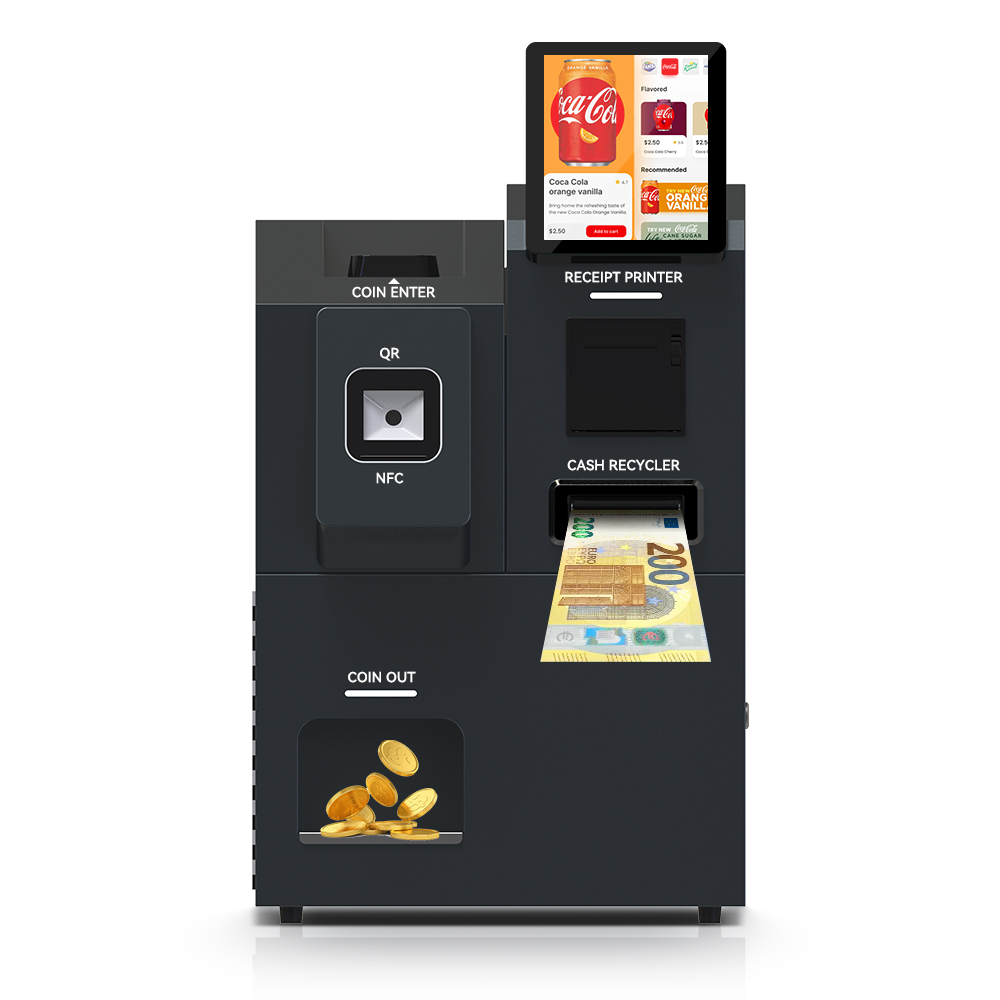
Always-On Kiosk Thermal Design: Re-Budgeting Heat When 16GB/512GB+ Memory Tiers Push Power Draw
Specifying 16GB/512GB+ memory for edge AI re-opens an always-on kiosk thermal design budget that looked settled at lower tiers. For 24/7 enclosure duty, treat each RAM and storage step-up as a wattage input, then recompute enclosure airflow and thermal service intervals before you commit to…
Continue reading...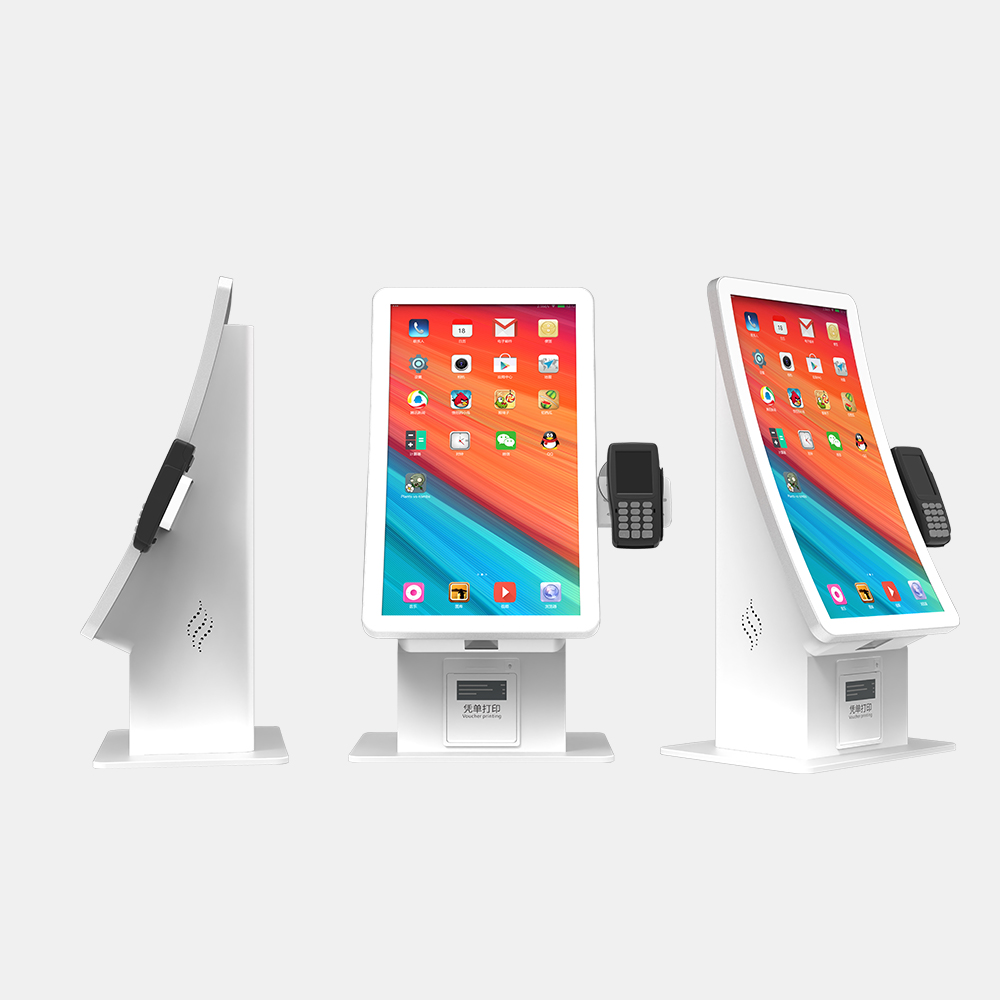
Thermal Service Intervals for Always-On Edge AI Kiosks Under Memory-Supply Pressure
Thermal Service Intervals For Always-On Edge Ai Kiosks is the decision framework examined in this guide. The sections below turn sourced evidence into practical comparison criteria without overstating what the available research can prove. Always-on edge AI kiosks need shorter thermal service intervals than idle-capable…
Continue reading...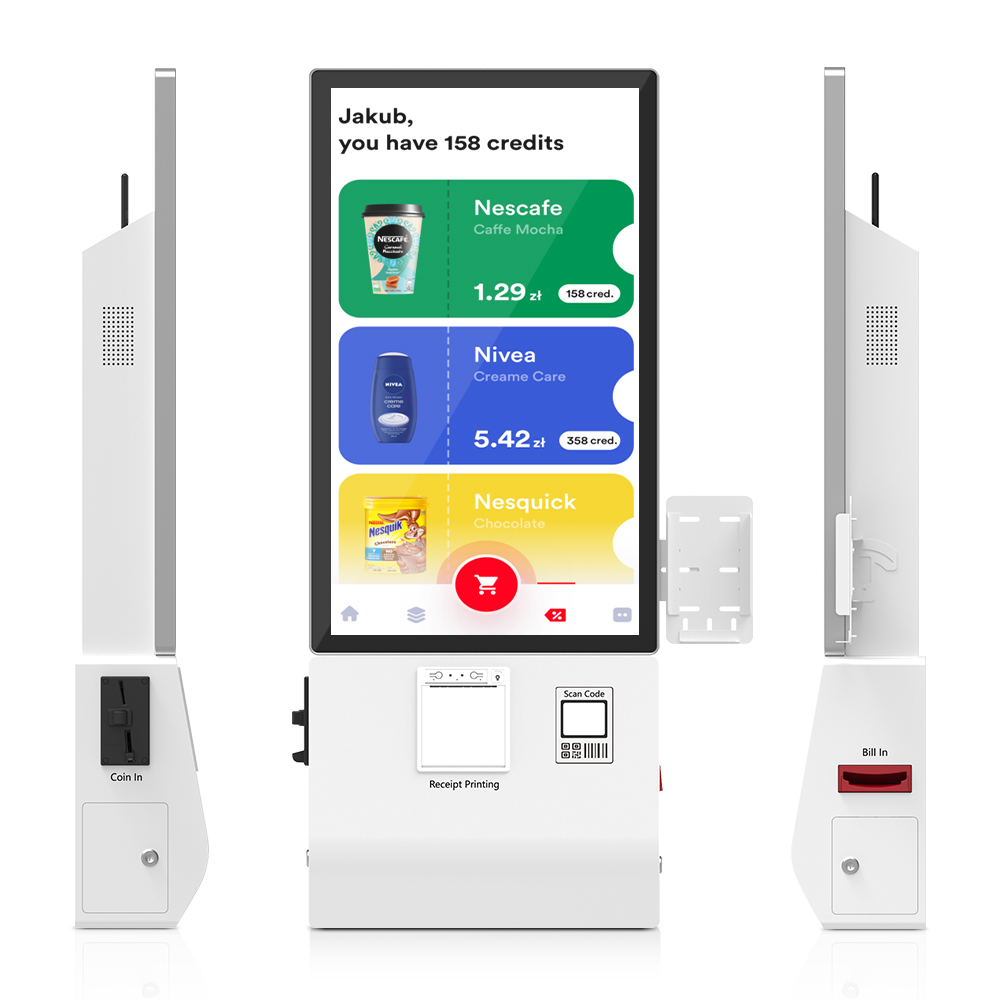
Thermal Service Intervals for Always-On Edge AI Kiosks: Spare-Parts and Maintenance Guide
Thermal service intervals for always-on edge AI kiosks are shorter than for conventional idle-capable units: continuous AI compute adds sustained heat that accelerates gasket aging, vent-filter loading, thermal-pad degradation, and battery loss. Procurement teams should budget these delta-driven replacement cycles before signing a supply or…
Continue reading...